
Apple ID with two-factorRequired
D-U-N-S NumberOrganisations
Membership$99 a year
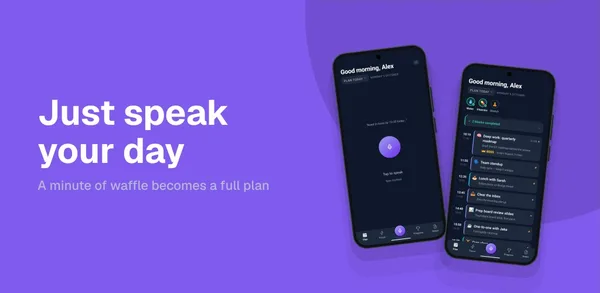
 Priority One 2.0 is running on your phone
Months of evenings, and tonight it finally does the thing. Ours is Priority One: say a messy brain dump out loud and a whole day comes back, planned.
Now it has to get into the App Store and Google Play.
Skip the long night: see what AppSubmit does
The paperwork
Two stores, two sign-ups, two kinds of key. One file downloads exactly once. One permission takes a day to arrive.
The assets
Five iPhone and iPad sizes. Three Android sizes and a feature graphic. A character limit on every field, in every language you sell in.
Over the limit by 7 characters. Now do it again for Google Play.
The pile
Every form, every size, every field, twice. Then night after night in review, and then a rejection.
New personal accounts must run a closed test before production.
Xcode or Transporter. A Mac is required.
Every field, every language, every store.
Submitted 3 days ago
We have started the review of your app, but we are not able to continue because we need additional information about your app.
Specifically, we were unable to sign in with the demo account credentials provided in App Store Connect.
Then you find AppSubmit.

AppSubmit
You sign up with each store once. From then on AppSubmit carries it: the listing, the screenshots, the release, the rejection, your rivals and your reviews. Both stores, in one calm place.
Import
Bring Priority One in and AppSubmit pulls down what's already on both stores: the listing, the screenshots, every release and every review.
Imports only read. Nothing reaches a store until you push.
Pulling in Priority One
App Store and Google Play
Rejection decoded
AppSubmit reads Apple's note against the guidelines and your app, then tells you what they actually want, step by step, with the reply to the reviewer already drafted.
Specifically, we were unable to sign in with the demo account credentials provided in App Store Connect.
Guideline 2.1 · Information Needed
RoutineApple couldn't get past the login screen because the demo account returned "Invalid credentials". This is a request for information, not a design objection.
ASO · Rivals
Pick a keyword and see the battleground: who holds the top ten, how hard it is to win, and the words your rivals use that you don't. Then track the ones worth fighting for.
Competitor apps and ranks shown are illustrative.
Keyword · App Store (US)
ai daily planner
 Plotday48k ratings▲2
 Blockwise Planner31k·
 Morrow Planner26k▼1
 Brightblock19k▲5
 Hourwell11k▲1Priority OneYou·
Plotday leads. One indie in the top ten, and the #10 slot holds 11k ratings. This one is winnable.
Words they use that you don't
Store listing
Every field for both stores, written from what your app actually does, with the keywords you track woven in and every limit kept. Checked for rejection risks before you push.
Inside every limit. Saved as a draft. Nothing reaches the store until you push.
Languages
Add a language and the listing is written natively for that market, inside that store's limits, with the keywords people there actually search. You read it, then push.
Up to eleven languages, on every plan.
Every language, both stores
Subtitle shownScreenshot studio
Priority OneScreenshot studioScreens
Any device, any size, any order 1
1 2
2 3
3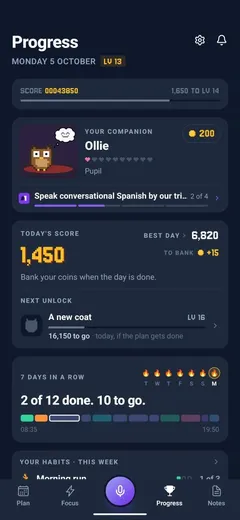 4
4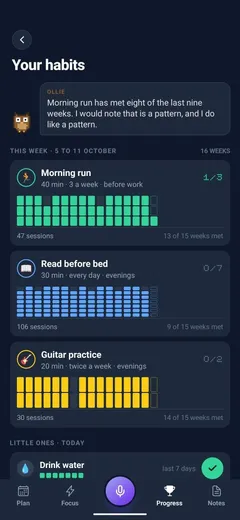 5
5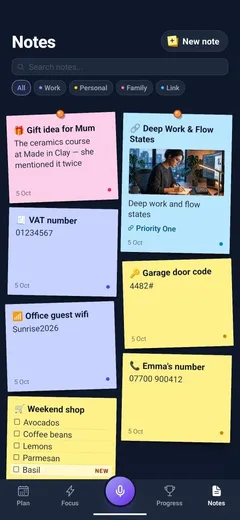 6
6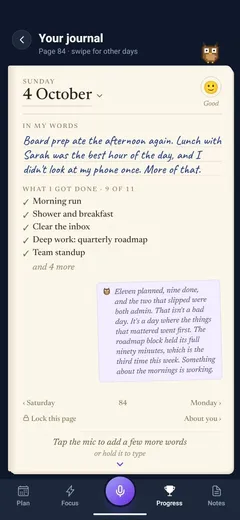 7
7 8
8Five looks, drawn with your first screen
From your app's own colours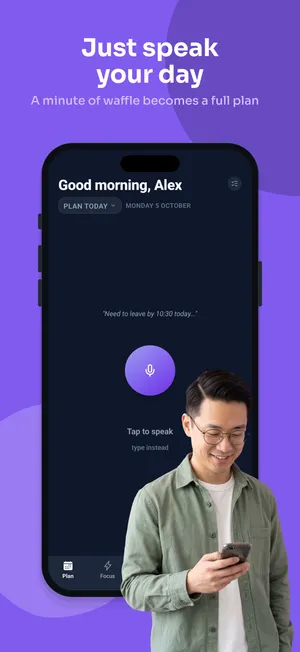
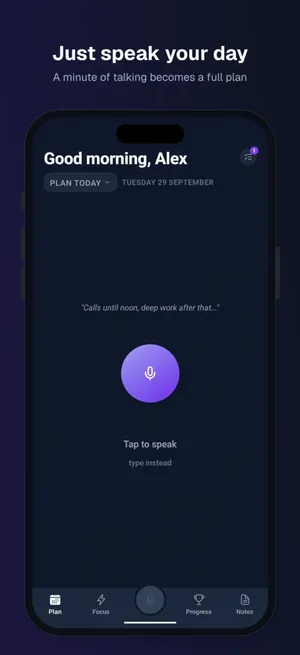
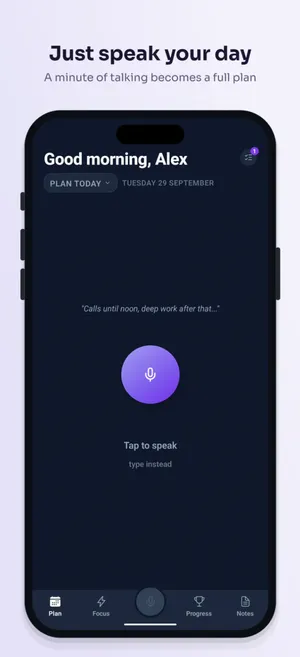
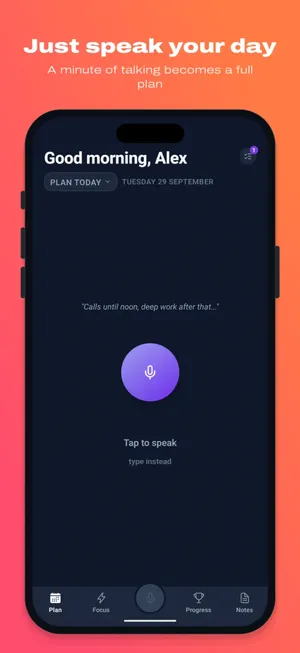
Priority One is violet, so its looks are too.
Top apps for “ai daily planner”
App Store (US)You#166
 Plotday#1 · 48kBlockwise#2 · 31kMorrow#3 · 26k
What to change
Close, with two changes. All three lead with a finished day, and two show off their rating.
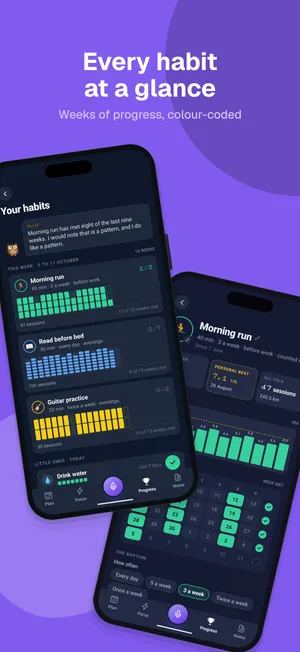
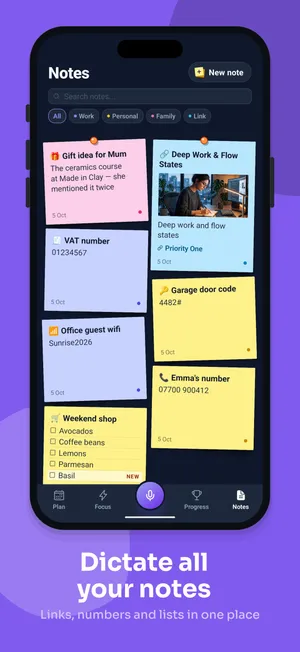
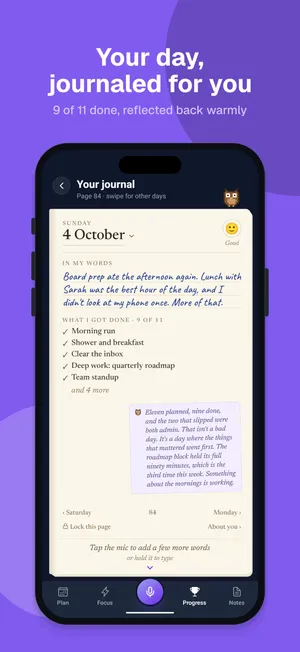
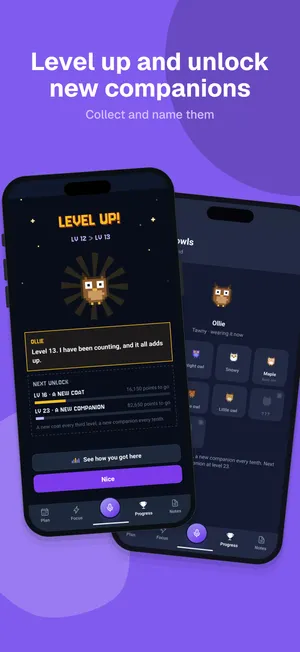
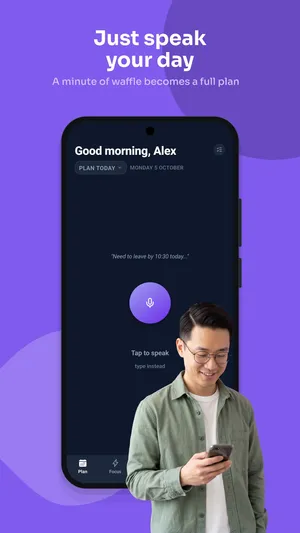
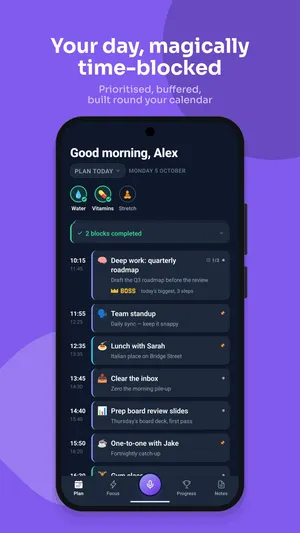
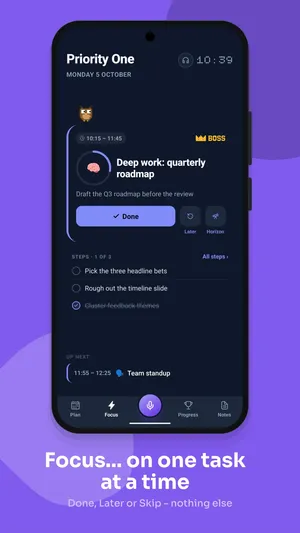
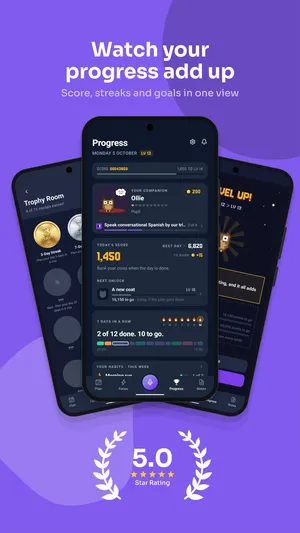
Also rendered: iPad 13″, 7″ and 10″ tablets
Releases
Drop in the .ipa and the .aab. AppSubmit delivers both, waits for processing, attaches the build and sends it for review. Then it tells you at every step.
Selling subscriptions too? Define a plan once and it's delivered to both stores.
Every piece of AI work arrives as a draft. You read it, change it, and press the button.
Launch day
Priority One 2.0.1, on the App Store and Google Play.
Review inbox
Every review from both stores in one inbox. A reply is drafted in the reviewer's own language and waits for you.
Reviews shown are illustrative.
"Finally, a planner that keeps up with my head."
"Talking through my day beats typing out a list."
"Love it. A home screen widget would make it perfect."
ASO · Performance
Ranks are checked every day on both stores, and every listing push is marked on the chart, so you can see what worked. The funnel comes straight from Apple: measured, not estimated.
The chart and proposal shown are illustrative. A Monday digest tells you which rivals changed their listings.
Measured, not estimated. If Apple doesn't report it, it isn't shown.
7-day free trial, then founding prices from $25 a month. No overages.
The detail
✦ Before you connect anything
Once your account is open, paste your App Store link. No credentials, no setup. In about thirty seconds AppSubmit has read your live listing, scored real keyword opportunities against live demand and difficulty, found where you already rank, and told you what is weak.
Connect your store after that and the same engine imports your listings, screenshots, releases and reviews. You never start from an empty dashboard.
Real numbers, not estimates
Intelligence tools sell estimates of other people’s downloads. You connect your own App Store Connect key, so AppSubmit reads your genuine numbers from Apple’s Analytics API, with your listing pushes marked on the chart. The question stops being “did my rank move?” and becomes “did my installs?”
Apple shares no per-keyword search terms, so keyword-level attribution is labelled as inference, never measurement. Google offers no equivalent API, and we say so where it matters.
✦ ASO Autopilot
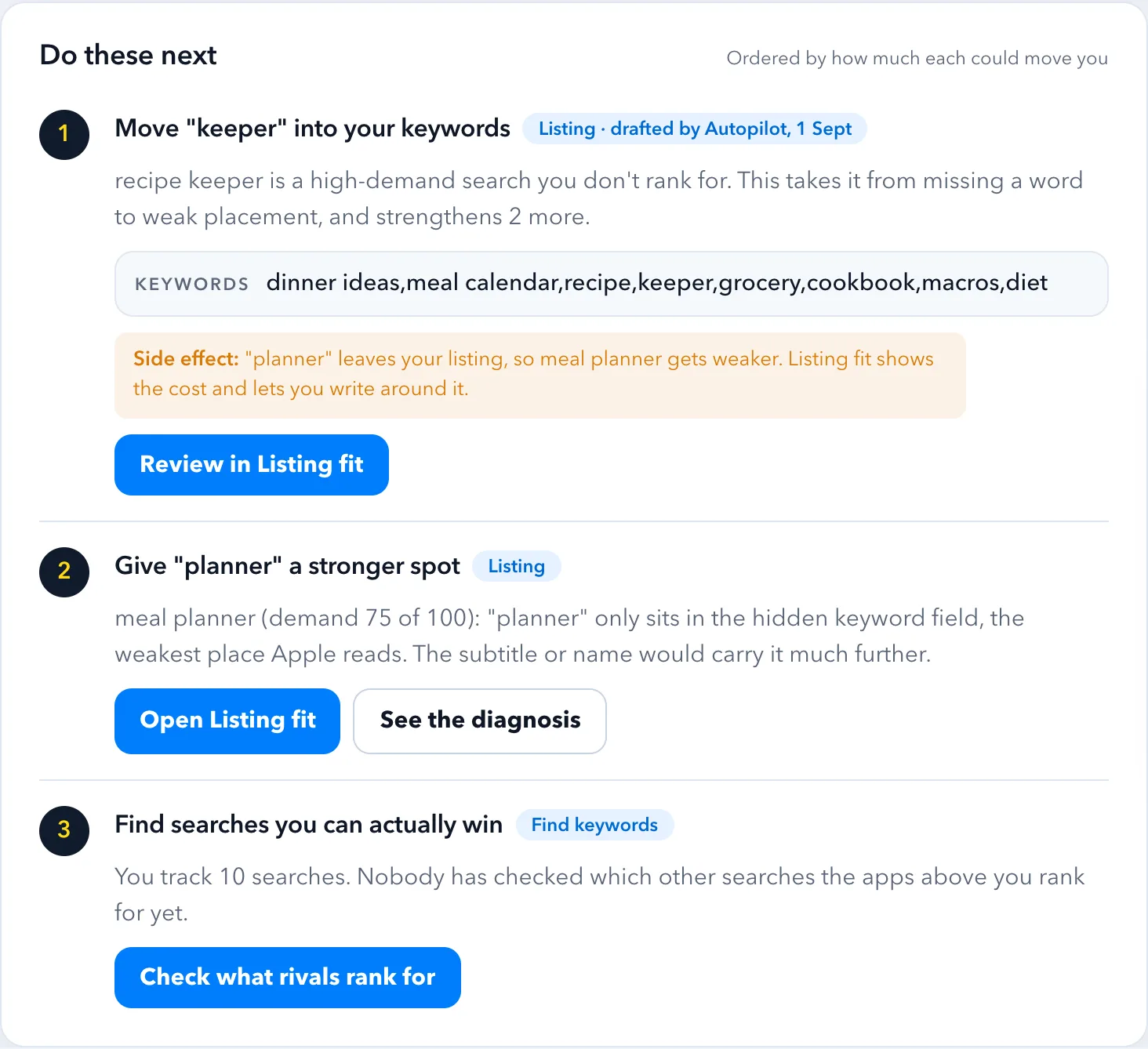
On the first of every month it re-runs your whole cycle: ranks and trends, live search demand, difficulty, listing coverage, your real install funnel and your rivals’ moves. Then it hands you one proposal: which keywords to drop, which to chase, and how your listing should change, with the number behind every line.
Approve it and the keywords change and a listing draft appears. Pushing to the store stays yours. It never acts alone, and when the data is thin it says so instead of guessing.
Why this is not another ASO tool
ASO tools tell you what to change and leave you to change it. Screenshot tools make images that know nothing about your keywords. Submission tools upload a binary and stop.
Then next month it tells you whether any of it worked, measured against your real install numbers, not an estimate.
Nothing is overwritten
Every rewrite, import and push is kept. Nothing is sent without you, and any version can become the working draft again.
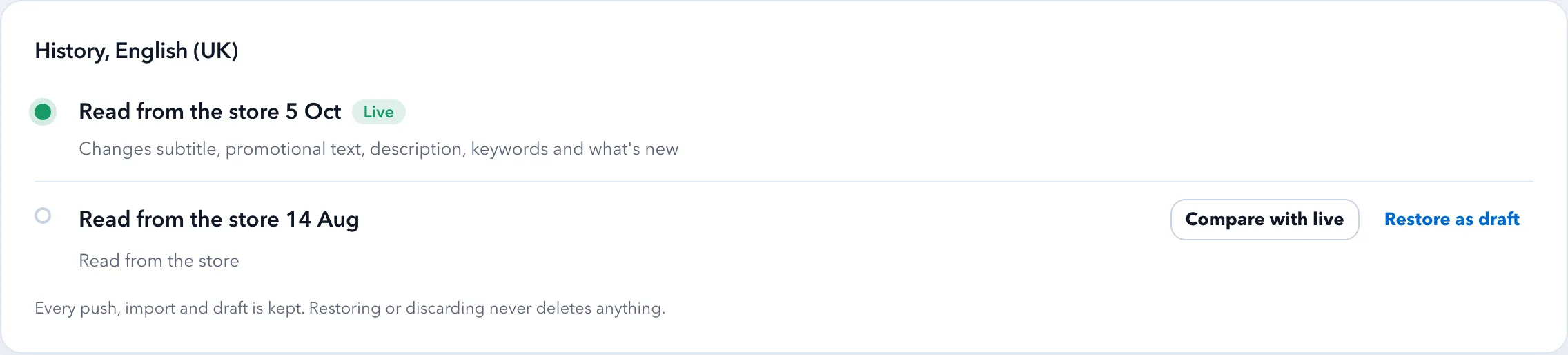
Connect a store and your listings, screenshots, release history and reviews are already imported. The first thing you see is your own app, not an empty form.
Every piece of AI work arrives as a draft: copy, screenshots, replies, proposals. You read it, change it, and press the button. Nothing is ever published behind your back.
Ranks checked, submissions watched, reviews synced, rivals snapshotted, a digest on Monday. You find out because it tells you, not because you remembered to look.
A rejection stops being a wall of guideline numbers. It arrives decoded, with the fix written against your actual app and a reply ready to send.
Security

Pricing
ASO tracking, listing copy, screenshot design, submissions and review management, priced for one developer. Every plan starts with a 7-day free trial, and founding prices are kept for as long as you stay subscribed. Caps pause a feature instead of billing you, so there are no overages.
See what each plan includesQuestions
Accounts are opening in batches. Join the waitlist and an invite code arrives by email with the next one. You enter it on the register page and your account is ready straight away.
No. Every AI output is a draft: listings become draft versions you review, replies wait for approval, and Autopilot proposes rather than acts. Pushing to a store is always a deliberate action by you.
Encrypted at rest with AES-256-GCM, with the master key held outside the database, so a copy of the database alone cannot decrypt them. Every use is written to an audit log, imports are read-only, and removing a connection stops all access immediately.
Both. Submissions, listings, screenshots, reviews and rank tracking work across the two. Some ASO data is Apple-only, demand and difficulty scores in particular, because Google exposes no equivalent, and we would rather say so than invent numbers.
Nobody can. Apple and Google decide independently. What AppSubmit does is remove the mistakes that cause avoidable rejections, and make the ones that still happen fast to understand and answer.
Every account starts with a 7-day free trial. Founding members pay $25, $39 or $79 a month for Solo, Indie or Studio, kept for as long as they stay subscribed; after that the plans are $29, $49 and $99. Caps pause a feature rather than billing you extra, so there are never overages.
Free guides
Written for the moment you are staring at a rejection: what the guideline actually means, why it triggered, the fixes reviewers accept, and a reply you can adapt.
2.1App Completeness2.3Accurate Metadata4.3Spam and Duplicate Apps4.2Minimum Functionality5.1.1Data Collection and Storage5.1.2App Tracking Transparency3.1.1In-App Purchase2.5.1Private APIs and Software Requirements1.2User-Generated Content5.2Intellectual PropertyBroken FunctionalityBroken or unstable functionalityDeceptive BehaviorDeceptive BehaviorPermissions and APIsPermissions and sensitive APIsData SafetyData safety form mismatchUser DataMissing or invalid privacy policyTarget API levelTarget API level requirementRestricted ContentRestricted content and impersonationEvery feature, in detail:
Accounts are opening in batches.Join the waitlist and your invite arrives with the next one.
Join the waitlist